How to Get the Ganado Retro Build in GTA 6: Ultimate Edition, Chapter 1 and Coastal Auto Care
The Ganado Retro Build is the free Ultimate Edition kit for Jason's pickup in GTA 6: apply it at Coastal Auto Care in Key Lento from "Just a Scratch". It only works in Chapter 1 and is lost when the chapter ends.
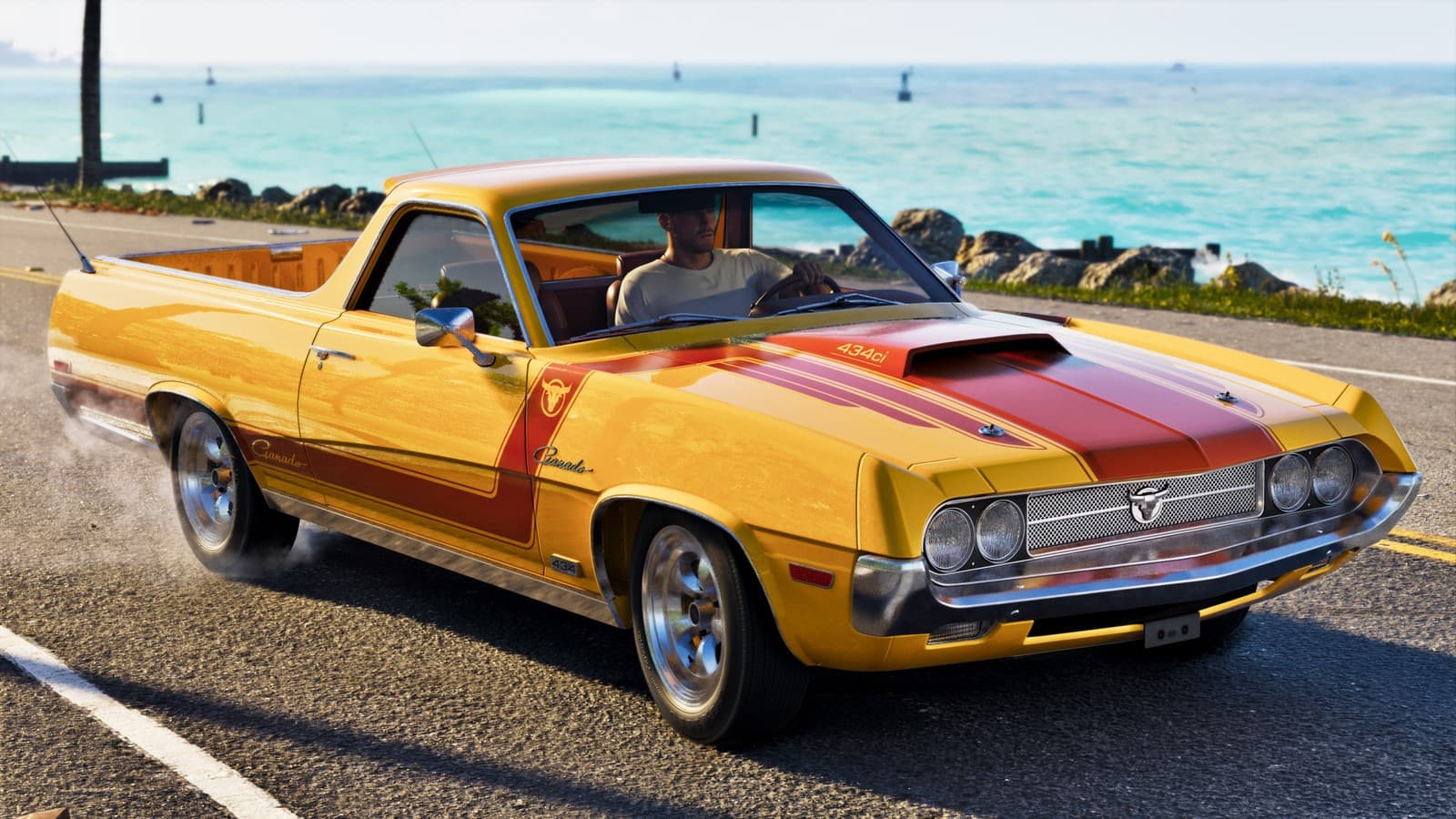
The Ganado Retro Build is the free Ultimate Edition kit for Jason's pickup in GTA 6. You apply it at the Coastal Auto Care shop in Key Lento, from the mission "Just a Scratch" onward, and it only exists in Chapter 1.
Status: Confirmed. The kit, the shop and the Chapter 1 limit come from Rockstar's official Ultimate Edition page and the in-game store. The menu steps come from the "Just a Scratch" walkthroughs and gameplay videos.
The 30-second version
- The Ganado Retro Build is a mod kit for Jason's Vapid '70 Ganado: yellow paint with red stripes and a bit more speed.
- You apply it from "Just a Scratch", in Chapter 1, and it is free with the Ultimate Edition.
- It is at Coastal Auto Care, Joey's shop in southern Key Lento, under Pro Builds > Full Kits.
- It is lost when Chapter 1 ends, together with the Ganado.
WARNING: CHAPTER 1 ONLY. When Chapter 1 ends, Jason's Ganado is gone and the Retro Build goes with it, with no way to get it back. Apply it before you start "Tourist Trap", the mission that closes the chapter.
What is the Ganado Retro Build?
It is a customized version of the Vapid '70 Ganado, the Ford Ranchero-style pickup Jason starts the game with. It is not a separate car you pick up: it is a kit you fit onto the Ganado you already own. Rockstar describes it as a set of mods that add muscle and classic styling to Jason's low-riding pickup. It has its own Codex entry: Vapid Ganado.
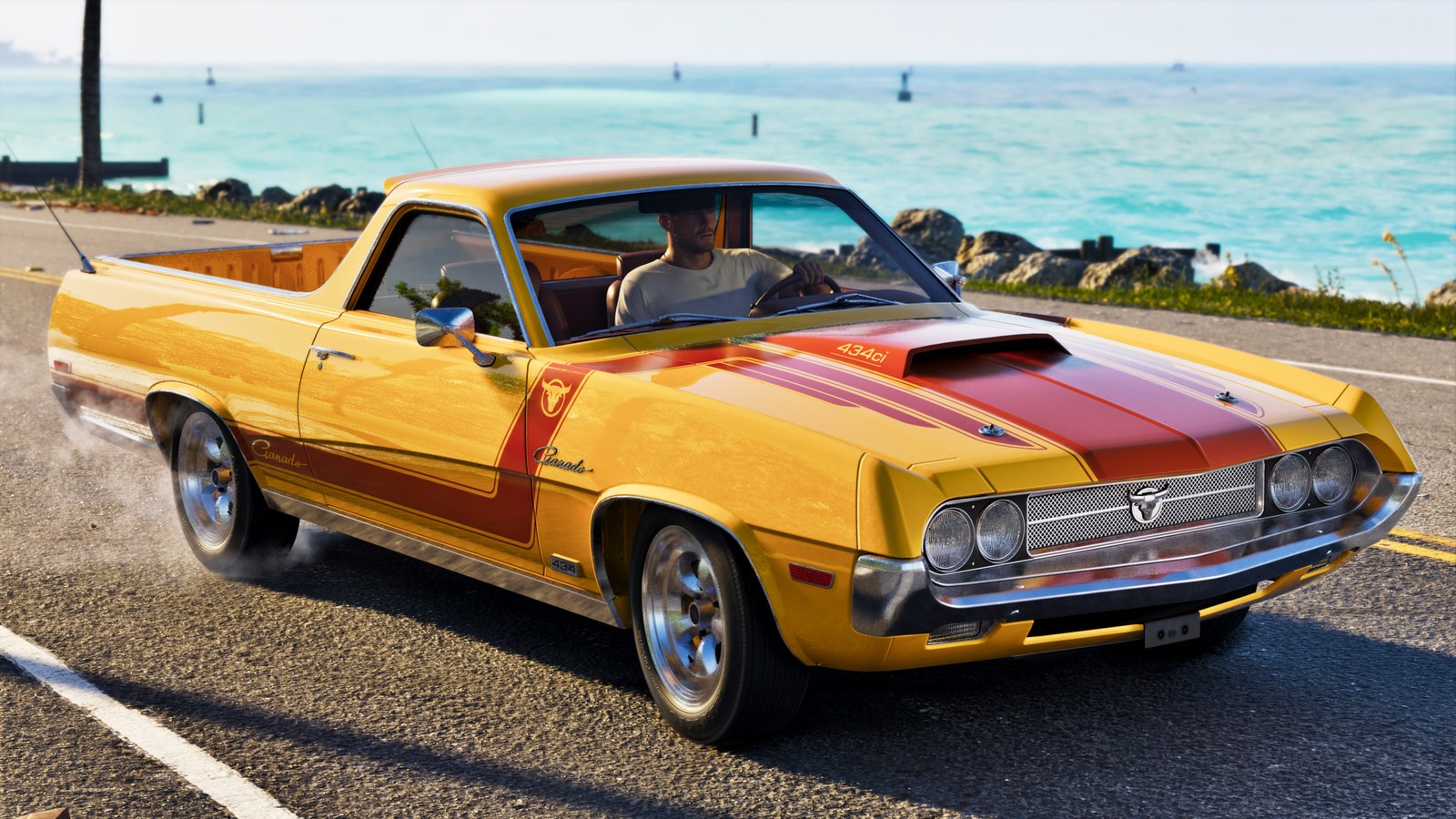
Image: Rockstar Games
What changes on the car:
| Aspect | Details |
|---|---|
| Paint | Mustard yellow with red stripes |
| Performance | A little more speed and acceleration, a small boost |
| Colors | You may be able to tweak them afterward without losing the kit |
| Car | Jason's Ganado only, not other vehicles |
What do I need?
| Requirement | Details |
|---|---|
| Edition | Ultimate Edition. Retro Build - Standard is paid |
| Chapter | Chapter 1 only |
| Mission | "Just a Scratch", though you can apply it afterward, within Chapter 1 |
| Where | Coastal Auto Care, southern Key Lento |
| Car | Jason's Vapid '70 Ganado, with the engine restored and resprayed |
| Cost | Free with the Ultimate Edition |
How do I get it, step by step?
1. Set the waypoint for Coastal Auto Care
Soon after Chapter 1 starts, after "Gone Fishing", Jason gets a text from Joey with the shop's location and a "Fix Your Car" objective appears. Tap the link in the message, or open the map, go to the Vehicles index, pick Mod Shops and look for Coastal Auto Care.
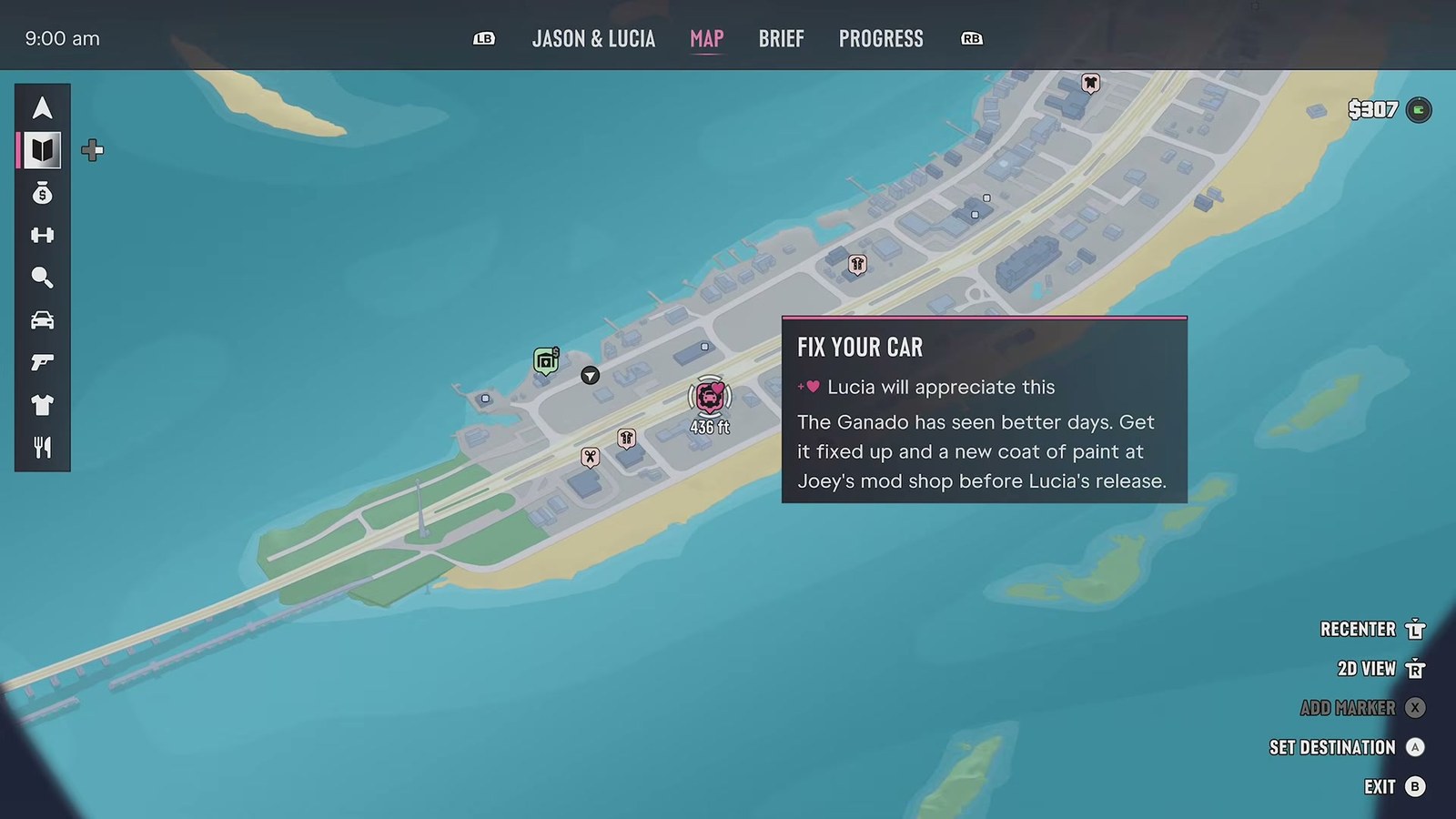
Image: No Fast Travel (YouTube)
2. Drive the Ganado there and talk to Joey
Fill the tank before you leave: cars in GTA 6 burn fuel. The shop is the garage with the green roll-up door next to a red awning. Let Joey finish talking, then drive in when the game asks.
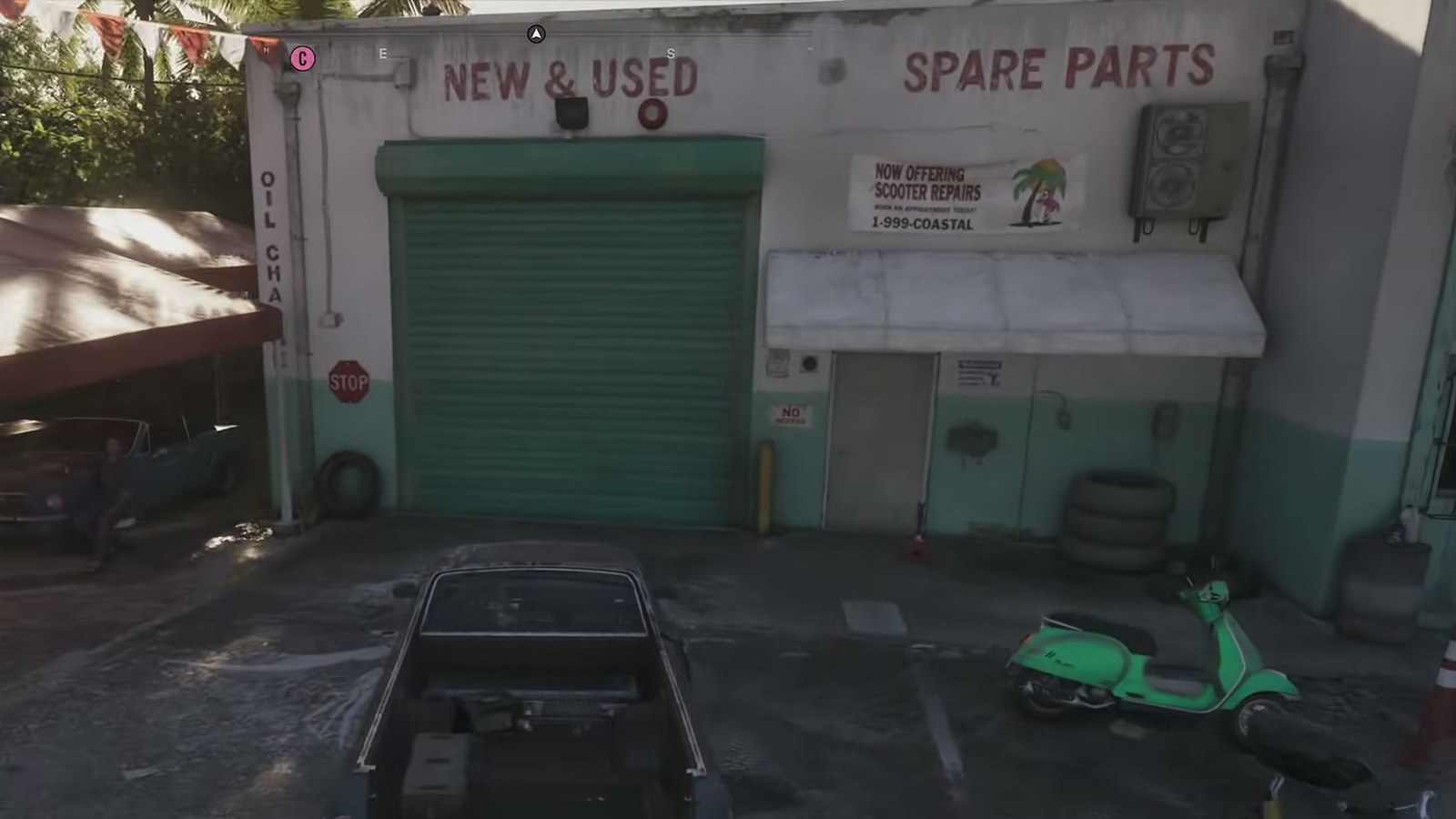
Image: No Fast Travel (YouTube)
3. Do the required work, then open Full Kits
The game has you restore the engine (Performance > Full Engine > Stock Engine, free) and respray the car (Cosmetics > Respray, with a free color). Confirm each option until it reads "Applied". Then go up to the Pro Builds tab and open Full Kits. Retro Build - Ultimate Edition is the first of the four kits and carries the "Free with Ultimate Edition" label. Skip Retro Build - Standard, the paid one.
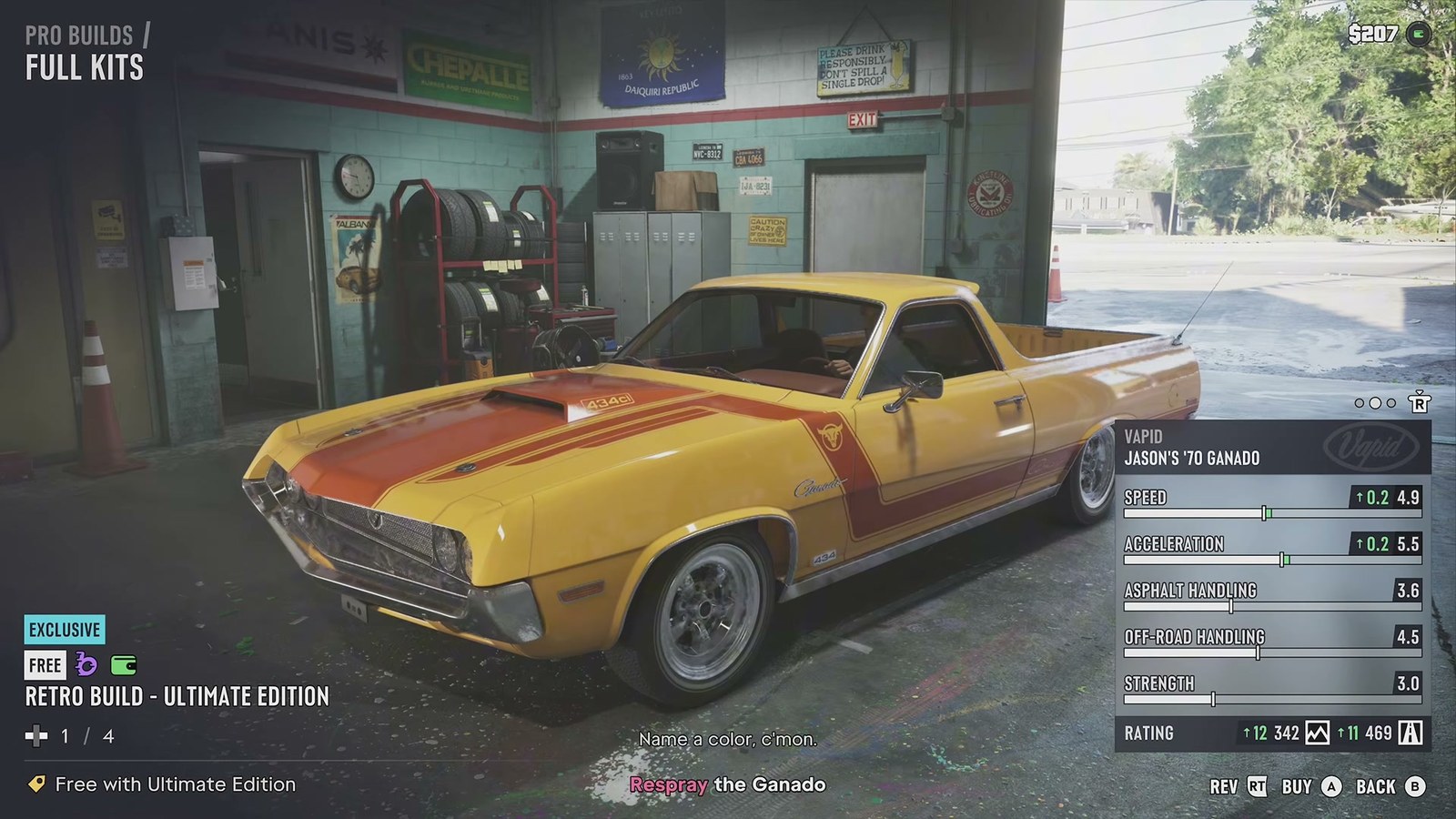
Image: No Fast Travel (YouTube)
4. Apply the kit
Confirm with X on PlayStation or A on Xbox. When the kit says "Applied", the Ganado wears the Retro Build, which replaces the basic repair and paint you just did.
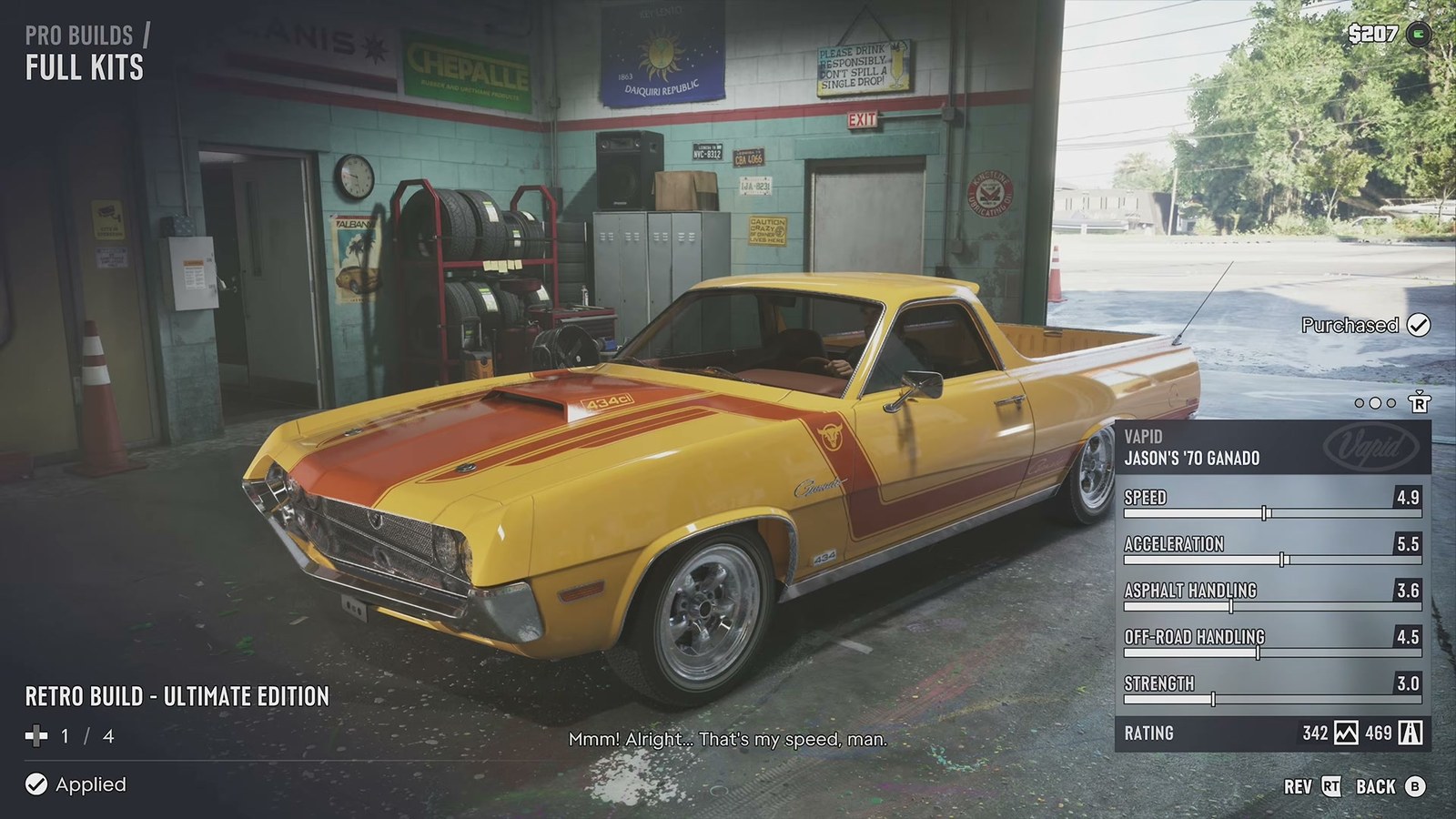
Image: No Fast Travel (YouTube)
5. Leave the shop
Back out to the shop's main menu and exit. Joey tells you that you can call him to repair the car or have it delivered. Now you can drive your retro Ganado around Leonida.
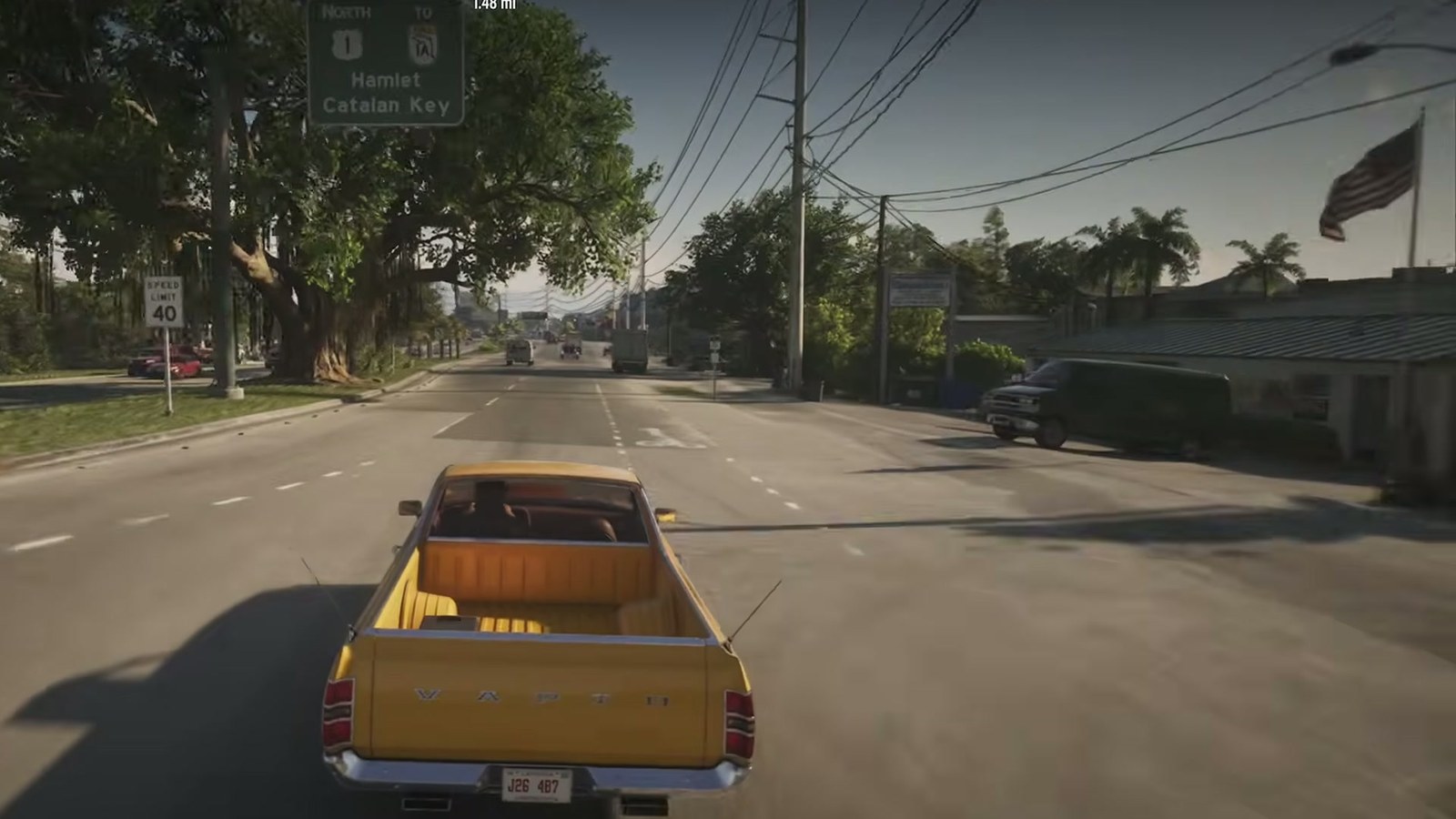
Image: No Fast Travel (YouTube)
What happens if...?
...Chapter 1 ends and I already applied it? The Ganado is replaced when you move into Chapter 2 and every upgrade on it is lost. The Retro Build is one of them, and the in-game store warns about it: the Chapter 1 extras are gone for good. Enjoy the truck while the chapter lasts, because there is no way to apply it again afterward.
...I spent money on other Ganado upgrades? That money is lost too, because the Ganado does not carry into Chapter 2. Cars you steal in Chapter 1 are not yours either: you cannot register a vehicle until Chapter 2.
...I wreck the Ganado before I reach the shop? Make a manual save, load it from Game > Save/Load Game and check in front of Jason's house. The car usually reappears.
...I only see the paid kit? Look for the "Free with Ultimate Edition" label. Retro Build - Standard may ask for a bank account. If you cannot see the kit, check that you are in Pro Builds and not in Cosmetics or Performance.
What else does the Ultimate include?
The Ganado Retro Build is only one part of the edition. You will find the rest of the Ultimate in our complete guide, with every extra and the chapter it unlocks in. For the official list, read GTA 6 pre-orders: prices, editions and what's included. The mission that opens the shop has its own entry: Just a Scratch.
Quick questions
Do I need the Ultimate Edition? Yes. Without it, the Retro Build only exists as the paid Standard version.
Can I apply it in Chapter 2? No. It only exists in Chapter 1.
Do I need to finish "Just a Scratch" first? No. You can apply it during the mission itself or any time after, as long as you are still in Chapter 1.
Does it cost money? The Ultimate Edition version is free.
Does it work on other cars? No, only on Jason's Ganado.
Full guide: GTA VI characters: Jason and Lucia →
Sources Rockstar Games·IGN·GamesRadar·Jalopnik·SlashGear·GTABase·Output Lag·No Fast Travel. Consulted on November 25, 2026.