GTA 6 car controls: turn signals, lights, horn, radio and every button on PS5 and Xbox
How to use the turn signals, headlights, horn and radio in GTA 6, and every car button on PS5 and Xbox: car menu, handbrake, cameras and more.
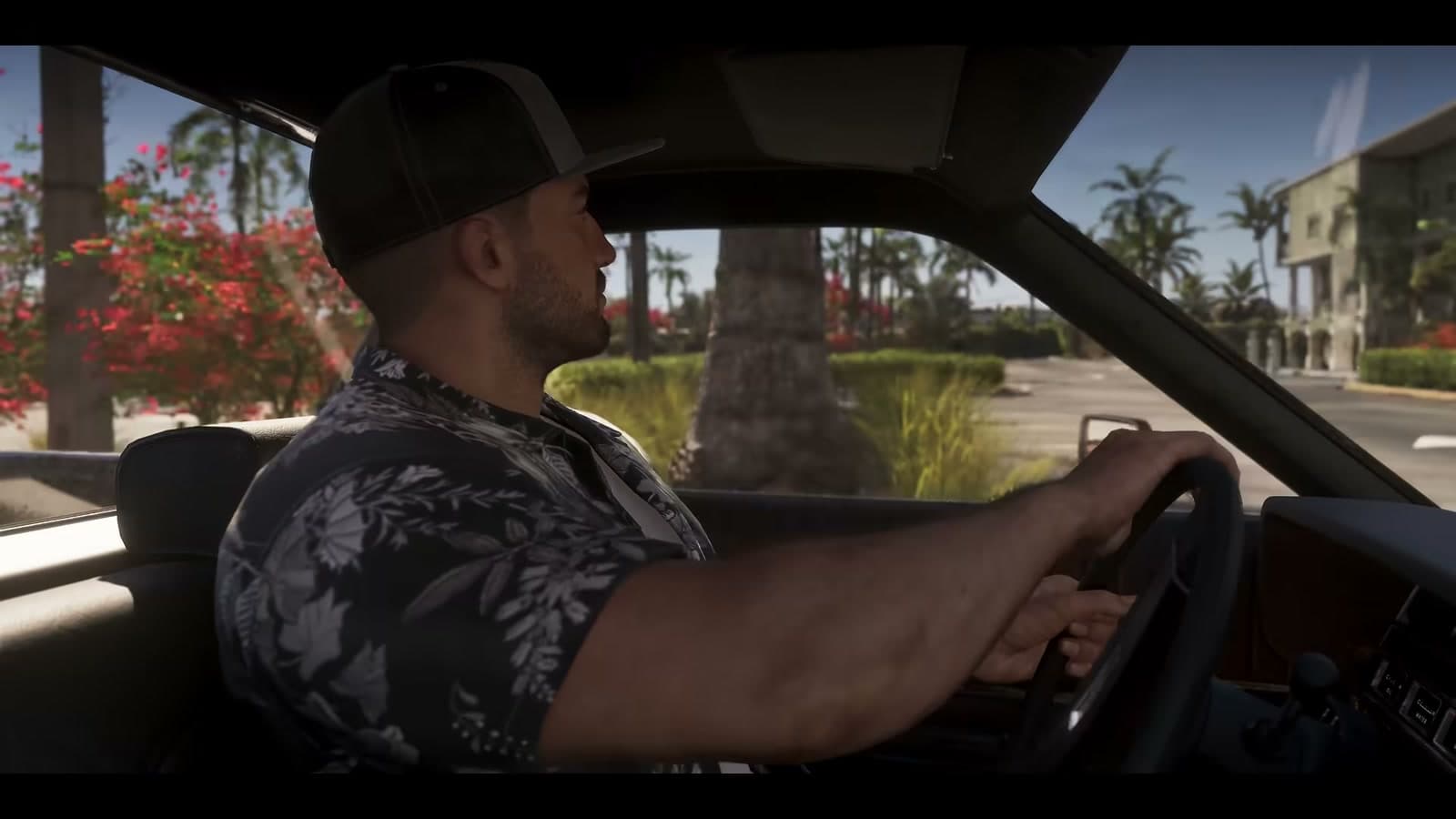
Turn signals, lights and the radio in GTA 6 run off the D-pad and the Circle button (B on Xbox), and almost everything else sits in a hidden car menu. Here is every button on PS5 and Xbox, so you don't have to guess.
Status: Confirmed. Buttons checked against the game's own control menu (Settings > Control Scheme > Preview) and gameplay videos. Anything only one source reports is marked "according to" or "may".
In 30 seconds
Turn signals: tap D-pad left or right (tap, don't hold).
Lights: tap Circle (B on Xbox). High beams, automatic and hazards live in the car menu.
Horn: click L3 (click the left stick on Xbox).
Radio: hold D-pad left; double-tap D-pad left turns it off.
Car menu: hold D-pad left and push the right stick up.
What are all the car buttons in GTA 6?
Default scheme. The Classic scheme moves a few buttons (how to switch is below).
| Action | PS5 | Xbox |
|---|---|---|
| Accelerate | R2 | RT |
| Brake and reverse | L2 | LT |
| Steer | Left stick | Left stick |
| Handbrake | X | A |
| Turn signal left / right | Tap D-pad left / right | Tap D-pad left / right |
| Headlights (off, on, high beams) | Circle (tap) | B (tap) |
| Hazard lights | Car menu | Car menu |
| Horn (and nitro if fitted) | Click L3 | Click left stick |
| Radio and car menu | Hold D-pad left | Hold D-pad left |
| Change station | L1 / R1 in the menu | LB / RB in the menu |
| Radio off | Double-tap D-pad left | Double-tap D-pad left |
| Look behind | Hold R3 | Hold right stick |
| Camera heights and cinematic camera | Hold D-pad down | Hold D-pad down |
| Duck in the seat | Hold Circle | Hold B |
| Swing the door as a hit | Square | X |
| Shoot from the car | R1 | RB |
| Choose vehicle weapon | Hold L1 | Hold LB |
| Get out | Triangle | Y |
| Stop, then get out | Hold Triangle | Hold Y |
| Get out with the engine running | Double-tap Triangle | Double-tap Y |
| Partner menu (seat) | Hold D-pad right | Hold D-pad right |
How do you use the turn signals?
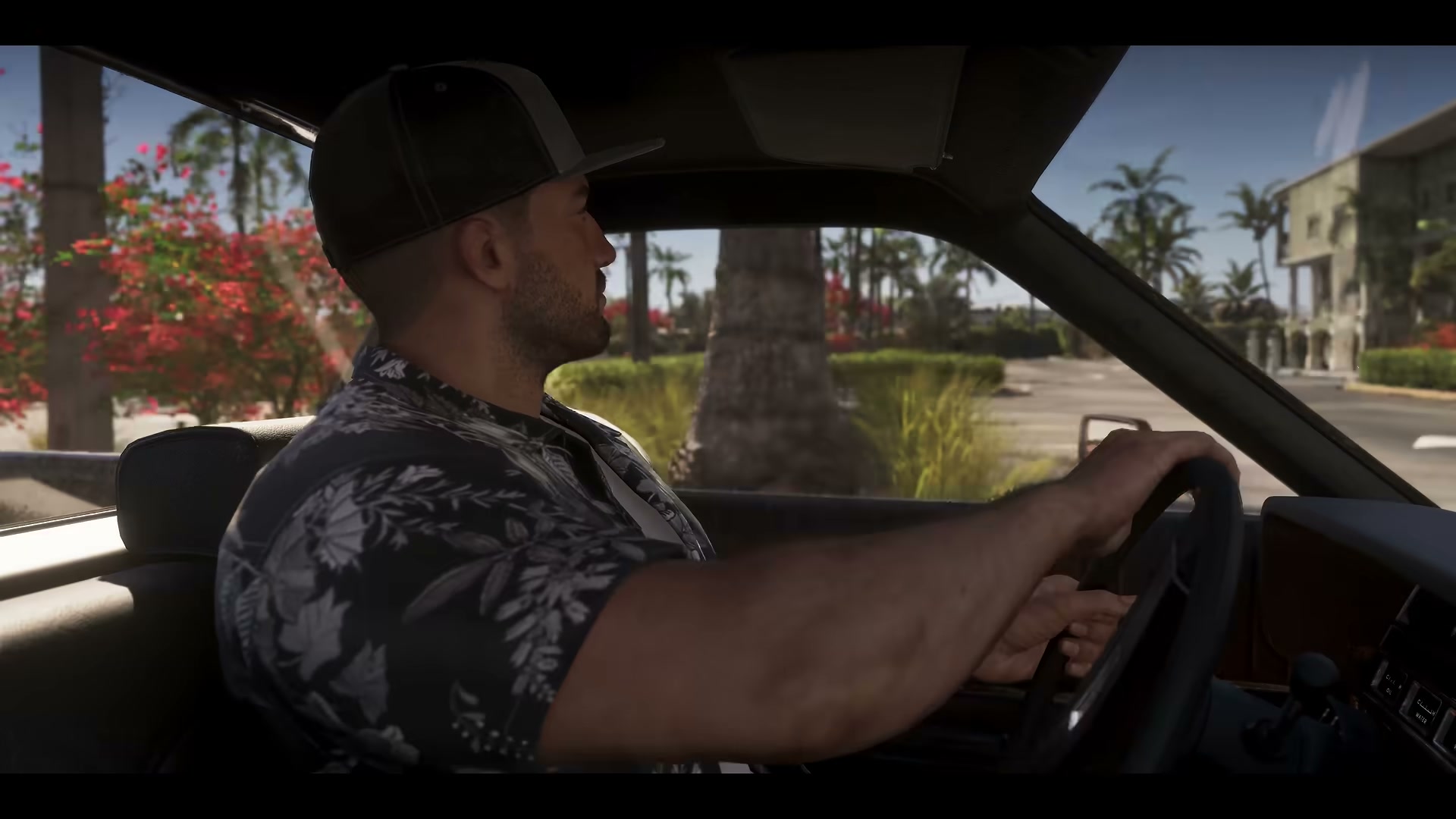
Image: IGN (YouTube)
Tap the D-pad left or right while you drive. The signal blinks on that side of the car. Tap, don't hold: holding the button opens the radio and car menu. They may switch off by themselves after the turn, and to cancel one by hand you tap the same side again.
How do you turn on the hazard lights?
Hazards have no direct button, they are in the car menu:
- Hold D-pad left until the radio menu opens.
- Push the right stick up to switch to the Vehicle tab.
- Move with L1 / R1 (LB / RB on Xbox) to Hazards.
- Press X (A on Xbox). Repeat to turn them off.
The menu icon may not update at once. Leave the menu and look at the car to confirm both sides are flashing.
How do you turn on the headlights and high beams?
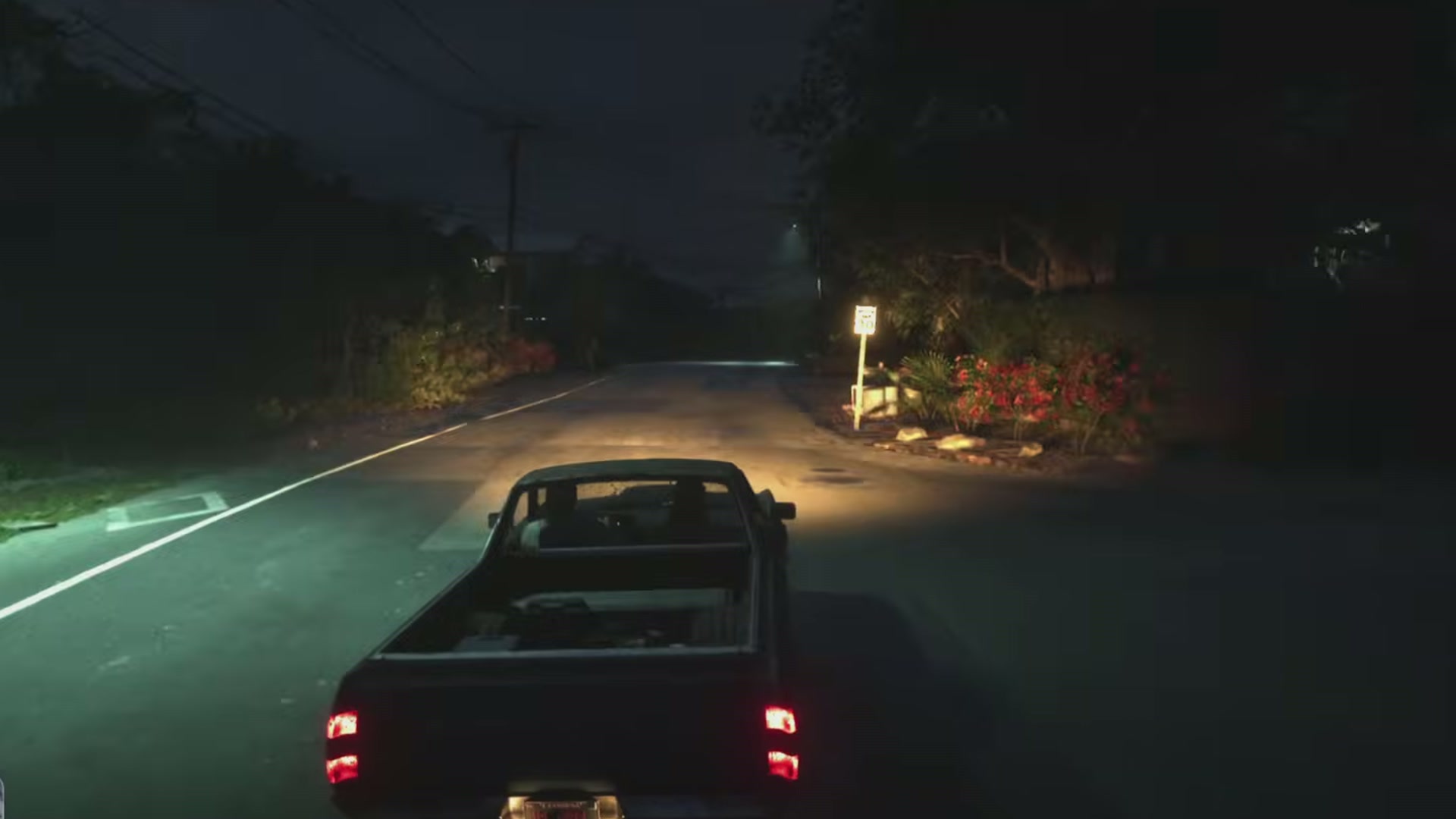
Image: MR GTA ONLINE (YouTube)
Tap Circle (B on Xbox) inside the car and the lights cycle through off, on and high beams. If you want to pick, open the car menu (hold left, right stick up), go to Headlights and press X / A to cycle four modes:
| Mode | What it is for |
|---|---|
| Automatic | The car decides from time of day and weather |
| Low beam | City and lit roads |
| High beam | Unlit tracks |
| Off | Daytime, or when you want to stay low |
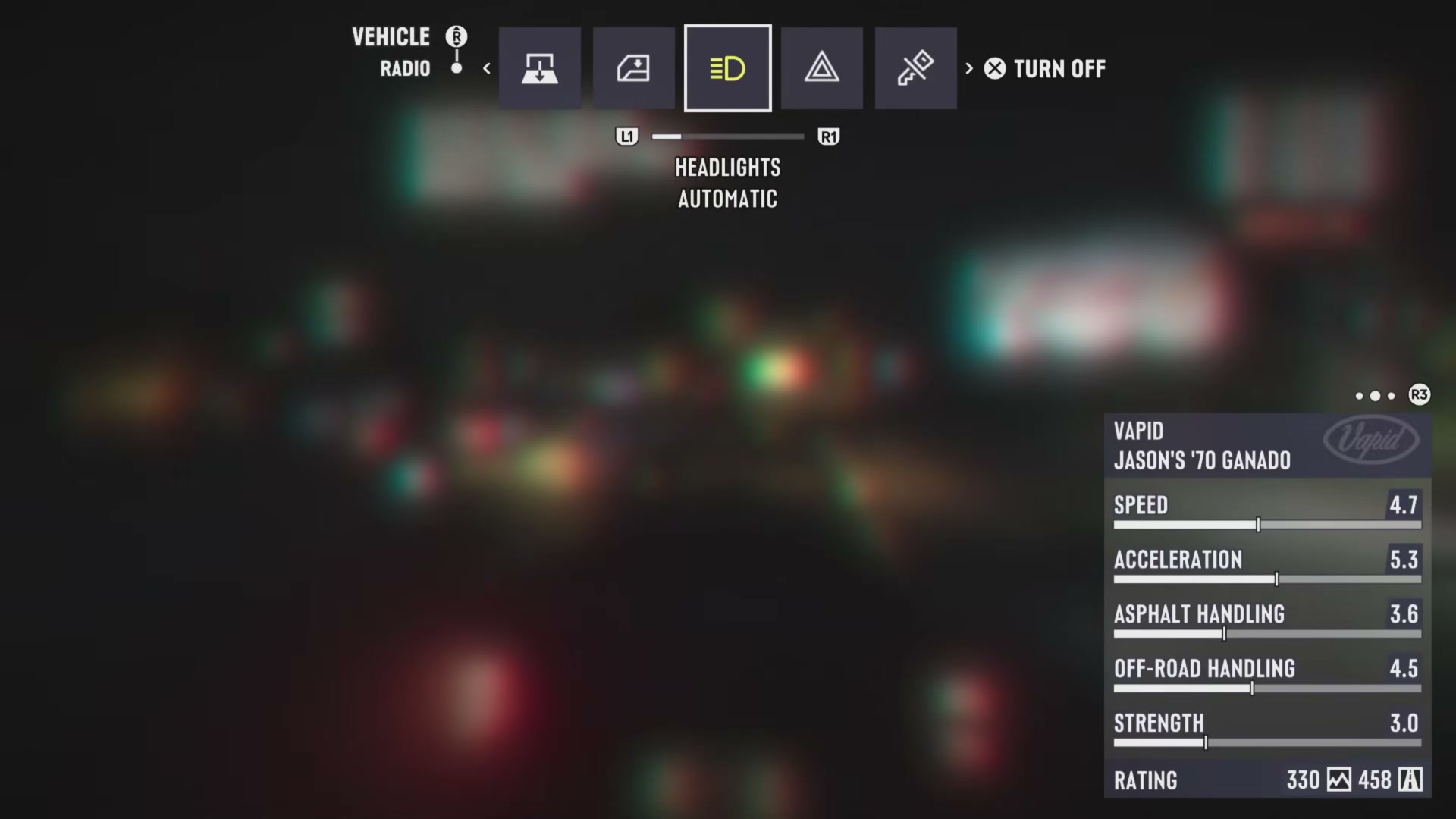
Image: MR GTA ONLINE (YouTube)
Nights in GTA 6 are properly dark, especially outside the city, and that is where high beams earn their keep. Holding Circle does not light anything: it makes your character duck in the seat.
How do you use the horn?
Click L3 (click the left stick on Xbox). A long honk behind stopped traffic can get you cursed at. Careful: in a car with nitro, that same click fires the boost while you accelerate, so you only get the horn when you are off the gas.
How do you change or turn off the radio?
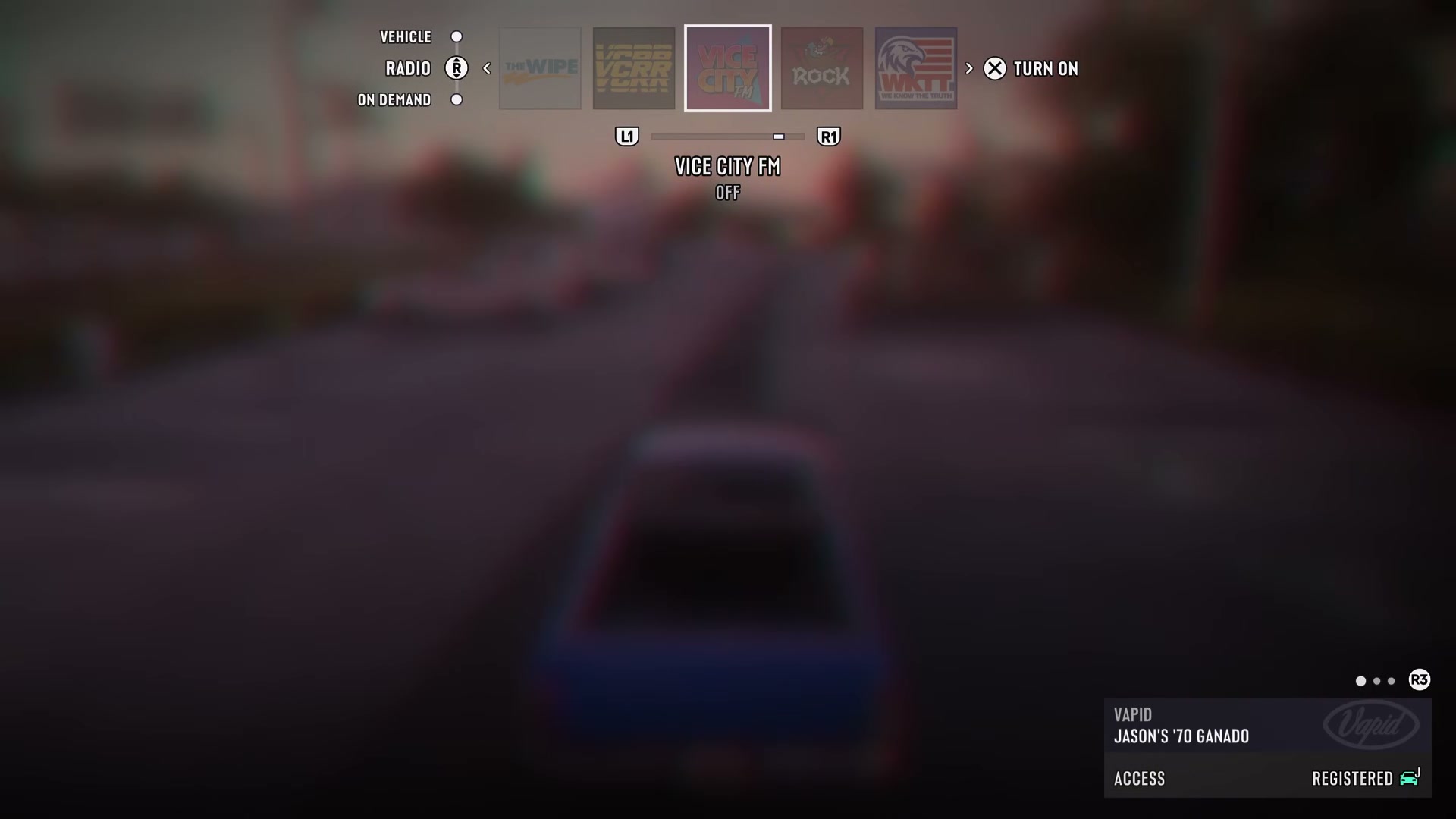
Image: 1UPTips (YouTube)
Hold D-pad left: a strip opens with three tabs, Radio, On Demand (podcasts and premium radio) and Vehicle. Change station with L1 / R1 (LB / RB). To switch it off without opening anything, double-tap D-pad left. On foot there is no sound unless you buy headphones, covered in our headphones guide.
How do the cameras and looking behind work?
- Look behind: hold R3 (the right stick).
- Change camera height: hold D-pad down and pick one of three heights.
- Cinematic camera: it is in that same menu. With a destination set, it lets you start auto drive with Circle (B on Xbox). Steps, speeds and when it switches off are in our auto drive guide.
- There is no first-person driving view.
Is there cruise control?
Not as such. On PS5 there is the Adaptive Speed Limiter (Settings > Controller > DualSense features): with it, holding R2 at the trigger's resistance point slows the car to a reasonable speed. It is PS5 only and, according to one guide, on by default while another lists it as off, so check it on your console. The hands-off alternative is auto drive.
How do you open the roof, roll the windows down and open the trunk?
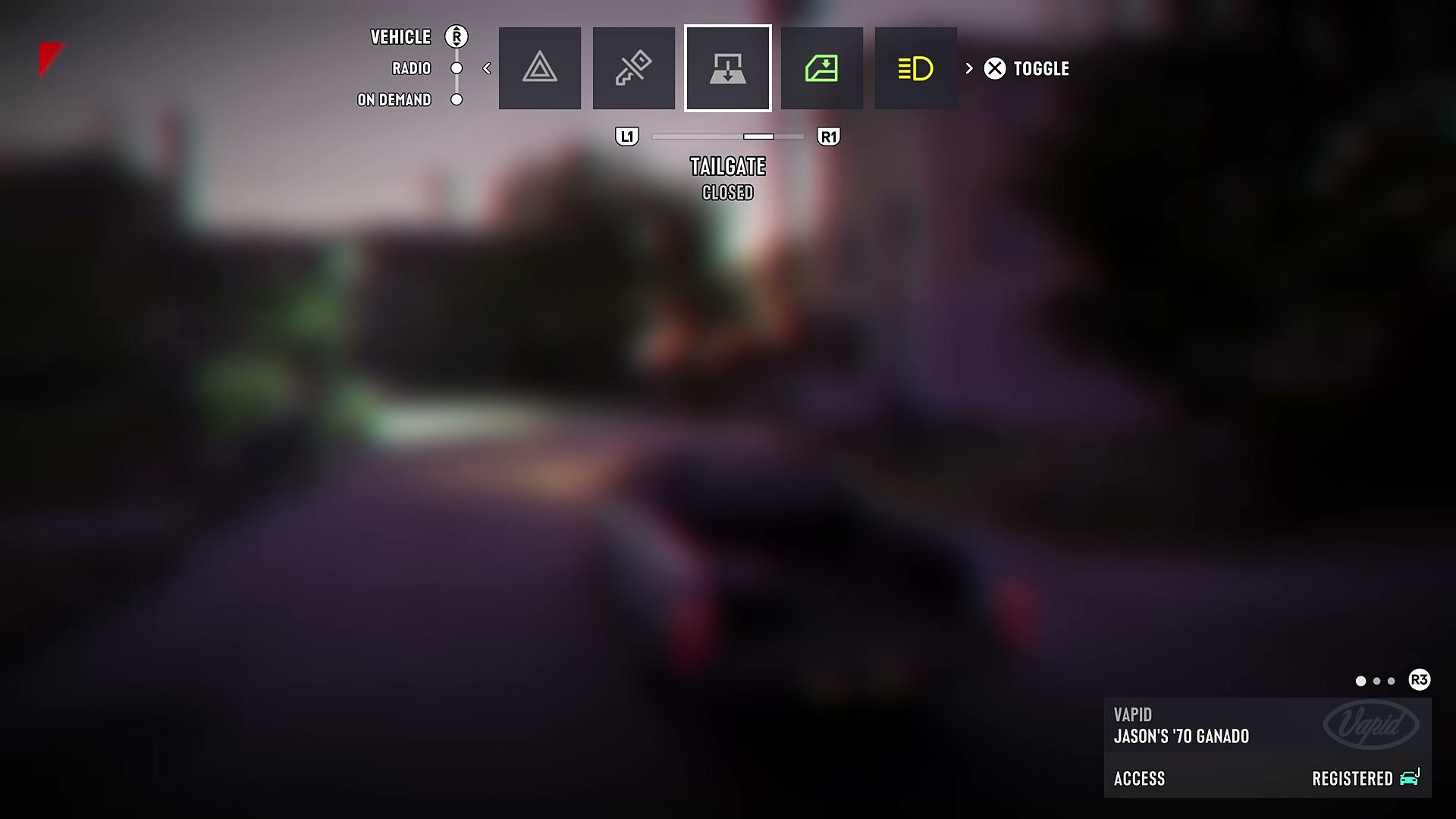
Image: IGN (YouTube)
It is all in the Vehicle tab (hold left, right stick up, L1 / R1 to move, X / A to select):
- Windows: down and up.
- Convertible roof or sunroof: only shows on cars that have one.
- Trunk, engine (off and on) and hazards.
- Underglow on some cars and boats.
No guide we found mentions a seat belt. The motorbike helmet, according to one guide, is in your loadout: hold L1 and press R1.
How do you aim and shoot from the car?
Shoot with R1 (RB) and aim with the right stick; Drive-By Assist is on by default in the settings. To draw your sidearm, tap L1 (LB), and hold L1 to pick a weapon. If someone gets close, press Square (X): your character kicks the door open, handy against bikers. And if you are being shot at, hold Circle (B) to duck.
How do you change seats?
With your partner near your personal car, hold D-pad right to open the partner menu and ask them to drive. Once you are in the passenger seat you can switch to control that other character, and the AI drives while you aim. Switching character is hold D-pad right, then R1 (RB).
How do you get out of the car, even while it moves?
- Triangle (Y): you get out and the engine shuts off.
- Double-tap Triangle (Y): you get out with engine, lights and radio still on. Useful for a getaway.
- Hold Triangle (Y): the car stops, then you get out.
- Bailing out at speed leaves the car rolling without you.
What if the car is flipped or wrecked?
If it is upside down, see our guide to flipping a car. If it blew up, the exploded car guide explains how to recover it.
What about motorbikes, boats and planes?
| Vehicle | Action | PS5 | Xbox |
|---|---|---|---|
| Motorbike | Wheelie | Left stick back + R2 | Left stick back + RT |
| Motorbike | Stoppie | Left stick forward + L2 | Left stick forward + LT |
| Bike and bicycle | Side kick | Square | X |
| Boat | Accelerate and brake | R2 / L2 | RT / LT |
| Boat | Walk the deck while it keeps moving | Double-tap Triangle | Double-tap Y |
| Boat | Push a beached boat into the water | Hold L1 | Hold LB |
| Plane | Throttle up and down | R2 / L2 | RT / LT |
| Plane | Rudder left / right | Square / Circle | X / B |
| Plane | Landing gear | Click L3 | Click left stick |
On bikes the car menu is limited to hazards, headlights and engine. Boats add anchor and underglow. Planes have the stick axis inverted by default, which you can change in the settings.
What happens if…?
…the turn signals don't work? Check you are tapping the D-pad, not holding it. If a strip of stations opens, you held it. If the menu icon doesn't change, leave the menu and look at the car: it can lag.
…the hazards or roof option is missing? Each car only shows what it has. A car without a folding roof has no roof option.
…the police see me without signals or lights? No source says you get stopped or fined for skipping a signal or driving without lights at night. The only proven effect is that without lights you can barely see the road. For now, signals are a realism touch.
…other drivers react? Sources disagree: one hands-on test says drivers seemed to respond to signals and another noticed no difference, so don't count on it.
…I want to change the buttons? You can't remap one by one. You can choose between three schemes, Default, Classic and Left-Handed, in Pause > Settings > Control Scheme, with a preview of each. Classic brings back the GTA 5 layout for run, jump and crouch, and Left-Handed mirrors it. If you need more, PS5 can remap buttons for every game in Settings > Accessibility > Controllers > Custom Button Assignments.
Which driving settings are worth setting?
Controller and camera options are covered in our best settings guide for PS5, PS5 Pro and Xbox. For driving, look in Settings > Camera for the vehicle follow speed, and on PS5 decide whether you want the adaptive limiter. Under Gameplay there is a reduced vehicle damage switch that, according to one guide, doesn't affect trophies.
FAQ
How do I use the turn signal in GTA 6? Tap D-pad left or right while driving. Holding it opens the radio menu.
How do I turn on the lights in GTA 6? Tap Circle on PS5 or B on Xbox. For high beams, automatic or off, use the car menu.
Are there hazard lights? Yes, in the Vehicle tab of the menu you open by holding D-pad left and pushing the right stick up.
What is the handbrake? X on PS5 and A on Xbox. In the Default scheme it frees R1 / RB for drive-by shooting.
How do I turn off the radio? Double-tap D-pad left.
Can I remap the buttons? Not button by button, but there are three schemes and, on PS5, the system-level remap.
Is there a reverse button? It is the same as the brake: L2 on PS5 and LT on Xbox.
Sources GTABase·Output Lag·Game Rant·The Gamer·GTA BOOM·IGN (YouTube)·MR GTA ONLINE (YouTube)·1UPTips (YouTube). Consulted on November 25, 2026.