GTA 6 headphones: where to buy them, what they cost and how to listen to the radio on foot
GTA 6 headphones let you listen to the radio and podcasts on foot. Stores, prices, chapter and how to equip them, per IGN, GameRant, GamesRadar+ and GameSpot.
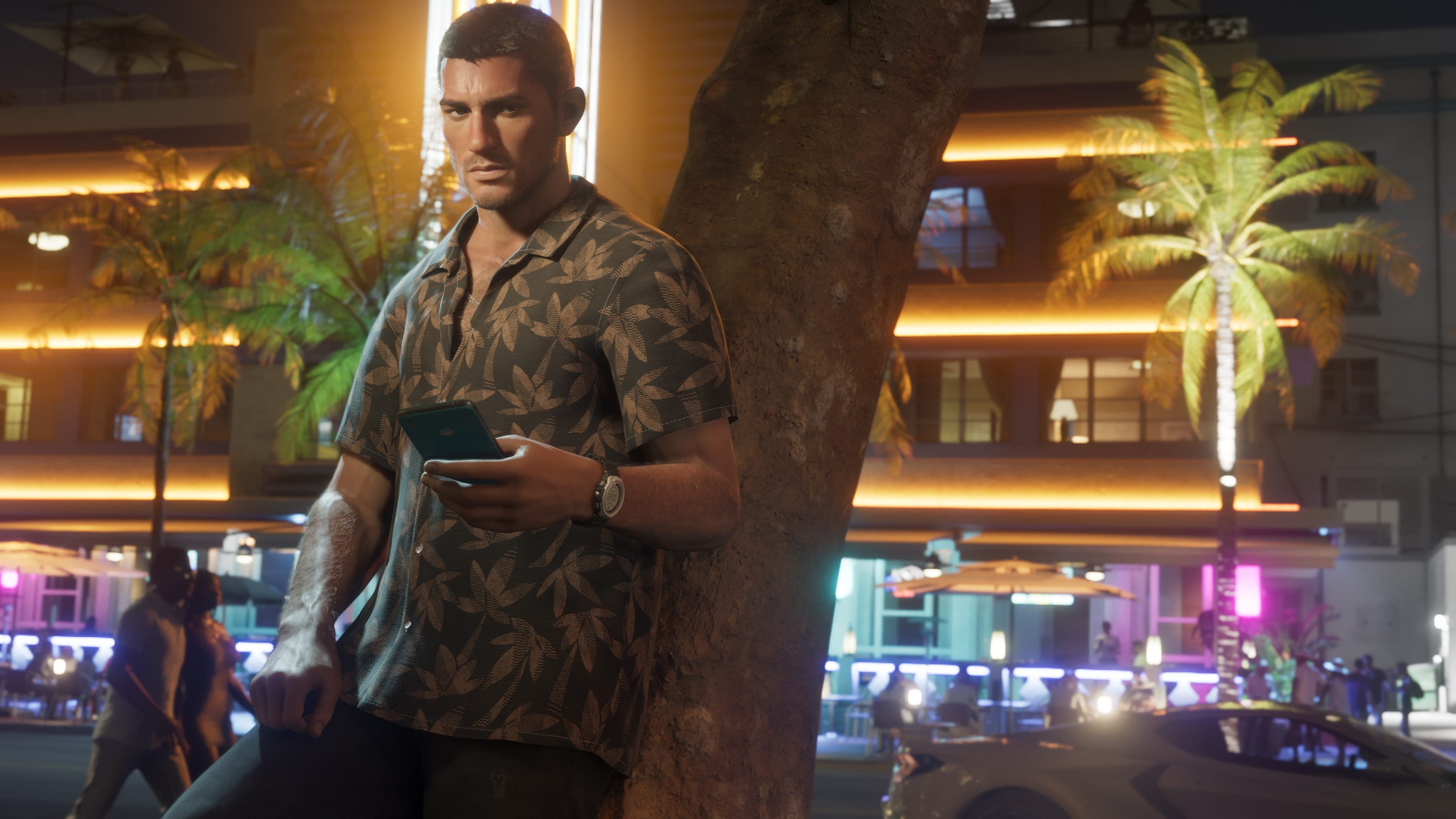
Status: Report. Rockstar has not published an official rundown of the headphones, so everything below comes from guides published since launch (IGN, GameRant, GamesRadar+, GameSpot, GAMES.GG and others). Where only one outlet says something, we say so.
Headphones in GTA 6 are what lets the radio follow you out of the car. Without them, music only plays in vehicles, at home or from a radio out in the world. With a pair equipped, stations and podcasts come along on foot, on a bike or on a motorcycle.
Where to buy headphones in GTA 6
Any electronics store works, and the map marks them with a headphones icon. Key Lento has none. The closest one to the start is in Hamlet: according to IGN it is Zeke's Gadgets on Cicada Avenue, just south of the Ammu-Nation. GameSpot and pro-gamer.gg also place it in northern Hamlet, and Mashable calls it Zeke's Electronics. Vice City has plenty more. GAMES.GG names Simply Sound, and pro-gamer.gg mentions Game Horde. The in-game Index lists them by distance under the Style tab, in the Electronics filter.
Price and the chapter that unlocks them
There are two models. In-ear buds cost $119 per GameSpot, Mashable and TalkEsport, and GameRant rounds that to $120. The over-ear pair runs about $200 at GameSpot and Mashable, $220 at GameRant, and $199 in black or $220 in purple at GAMES.GG, so the colour you pick moves the price. IGN and GAMES.GG name the brand: Clef. GameRant says both types work the same, while GameSpot adds that the over-ear pair shows up more on Jason and Lucia.
You can buy them in Chapter 1. GamesRadar+ and GameRant put it after the "Gear Up" mission, once the open world is yours. One catch: Jason and Lucia each need their own pair, per GamesRadar+, Dork and pro-gamer.gg.
How to switch them on
Per GamesRadar+, you have to wear them. Hold L1/LB to open your loadout, move to items with R1/RB and pick the headgear slot. IGN describes it as the headphones icon at the top right of the item wheel. GameRant says they equip automatically when you buy them, and GameSpot says you can also change them from any wardrobe.
With them on, hold D-pad Left like in a car. Switch stations with L1/R1 (LB/RB) or the right stick, and X or A turns the radio off. Flick the stick down for on-demand podcasts, which pause and pick up where you left them.
What you hear
The same stations as in the car, plus podcasts. GAMES.GG names WKTT, Worldwide FM, AfroBank FM, Back Country Radio and The Chamber 106.6. We found no source describing a custom playlist or Spotify. TalkEsport says Rockstar has not confirmed any way to import your own music. If that changes, it will show up in our radio catalog.
Water, brawls and indoors
- Water. Per GameRant, they are not waterproof: dive in and they come off on their own, but you do not lose them. It is the only outlet to mention it.
- Brawls. GamesRadar+ warns they can be knocked off your head. Dork adds that if you leave them on the ground after the fight, they are gone for good.
- At home. Also per GameRant, with them on indoors you can hold R2/RT to dance, and phone calls play through them without the character taking them off.
Leonida's take
It is a small accessory with a big effect: walking Leonida with your favourite station changes how the game feels. What does not line up is the price and the shop names, so carry some cash. If you need to fill your pockets, we have the GTA 6 moneymakers chapter by chapter.
Tell us in the forum which station you switch on when you leave the safehouse.
Certainty: report. Prices and locations are those of the cited guides, unconfirmed by Rockstar, and they differ between guides. They may change with patches.
Full guide: GTA VI map: the State of Leonida and Vice City →
Sources IGN·GameRant·GamesRadar+·GamesRadar+·GameSpot·GAMES.GG·Dork·TalkEsport. Consulted on November 22, 2026.