GTA 6 HDR Looks Broken on Your TV? Here's the Fix
GTA 6 HDR looks washed out or crushed on a lot of TVs. Game Mode, HGiG, the HDTVTest values, Paper White at 50 and what to turn off on Xbox.
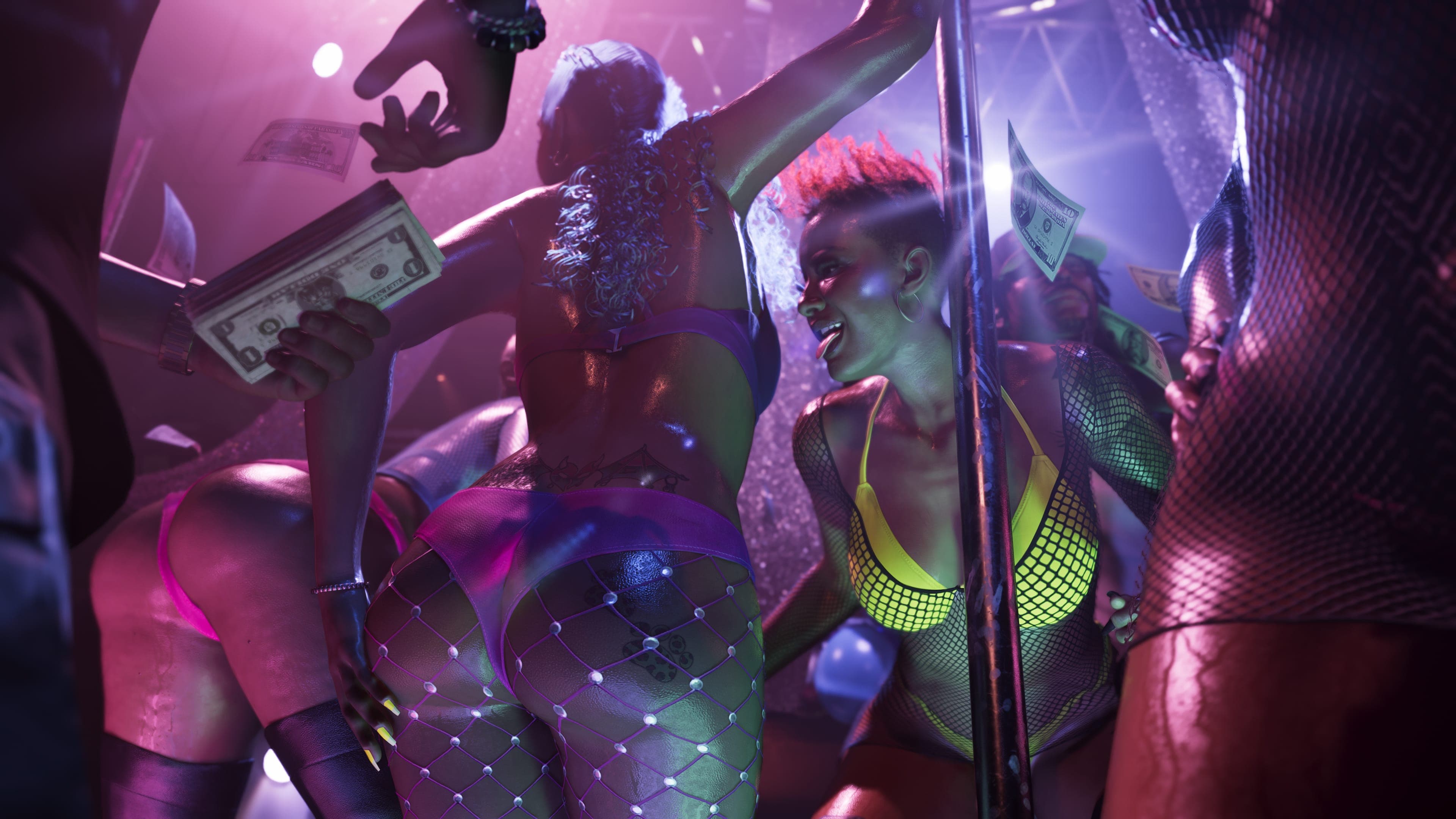
If GTA 6 looks washed out, too dark or blown out on your TV, you're not alone. The game's HDR misbehaves on a lot of sets, and the fix usually lives in your TV and console settings rather than in the game itself.
Why it looks wrong
The game sends an HDR signal and some TVs try to reinterpret it on their own. If automatic tone mapping is also on, brightness gets squashed twice and you end up with a dull picture or highlights that have no room to breathe. The answer is to give the TV less to do and calibrate properly inside the game.
TV settings
- Turn on Game Mode for the HDMI input your console uses. It cuts latency and usually switches off processing that wrecks HDR.
- Enable HGiG if your TV has it, often tucked inside the HDR tone mapping options. That lets the game handle brightness mapping instead of the TV.
- Switch off extras like dynamic contrast or brightness boosters on that input.
In-game calibration
The values HDTVTest recommends are 2000, 20 and 35. Enter them on the game's calibration screens in the order they ask for them, and check what each slider is for on screen before you change anything.
Then set Paper White to 50. It's a solid starting point for most displays, and you can nudge it up or down depending on how bright your room is.
On Xbox
Turn off Auto HDR and the Allow HDR10 option if the console is forcing it. If the system pushes HDR on top of the game, the calibration above won't do much.
Fallback: SDR
If it still looks bad after all that, run the game in SDR. A well calibrated SDR picture beats a broken HDR one, and you can try HDR again after Rockstar ships a patch.
The Leonida Read
It's not unusual for a game this big to land with HDR badly tuned on a handful of displays, and the blame is often shared between game and TV. What matters is that the fix path is short: Game Mode, HGiG, the HDTVTest values and Paper White at 50. Our read is that most complaints come down to exactly this, settings nobody explains when you boot the console for the first time.
If you're still working out what to expect from the game's image, browse our guides section and the latest news. If Rockstar patches HDR, we'll cover it.
Practical tip: change one setting at a time and look at the same scene in daylight and at night. That way you know which change actually fixed the picture, and you don't over calibrate.
One last note for anyone playing on an older or entry level TV: no combination of these settings may give you a stunning HDR picture, and that's not your fault. Panels with low peak brightness or few dimming zones struggle more with games like this. In that case SDR isn't a defeat, it's the sensible choice, and you still see the game the way Rockstar intended.
Certainty level: Confirmed. The steps come from published analysis and guides, but results depend on your TV model.
 The Leonida Hub desk
Sources The Droid Guy·Digital Foundry·r/digitalfoundry. Consulted on November 24, 2026.